
Tone Generator FAQ
How do I play a tone/drone?
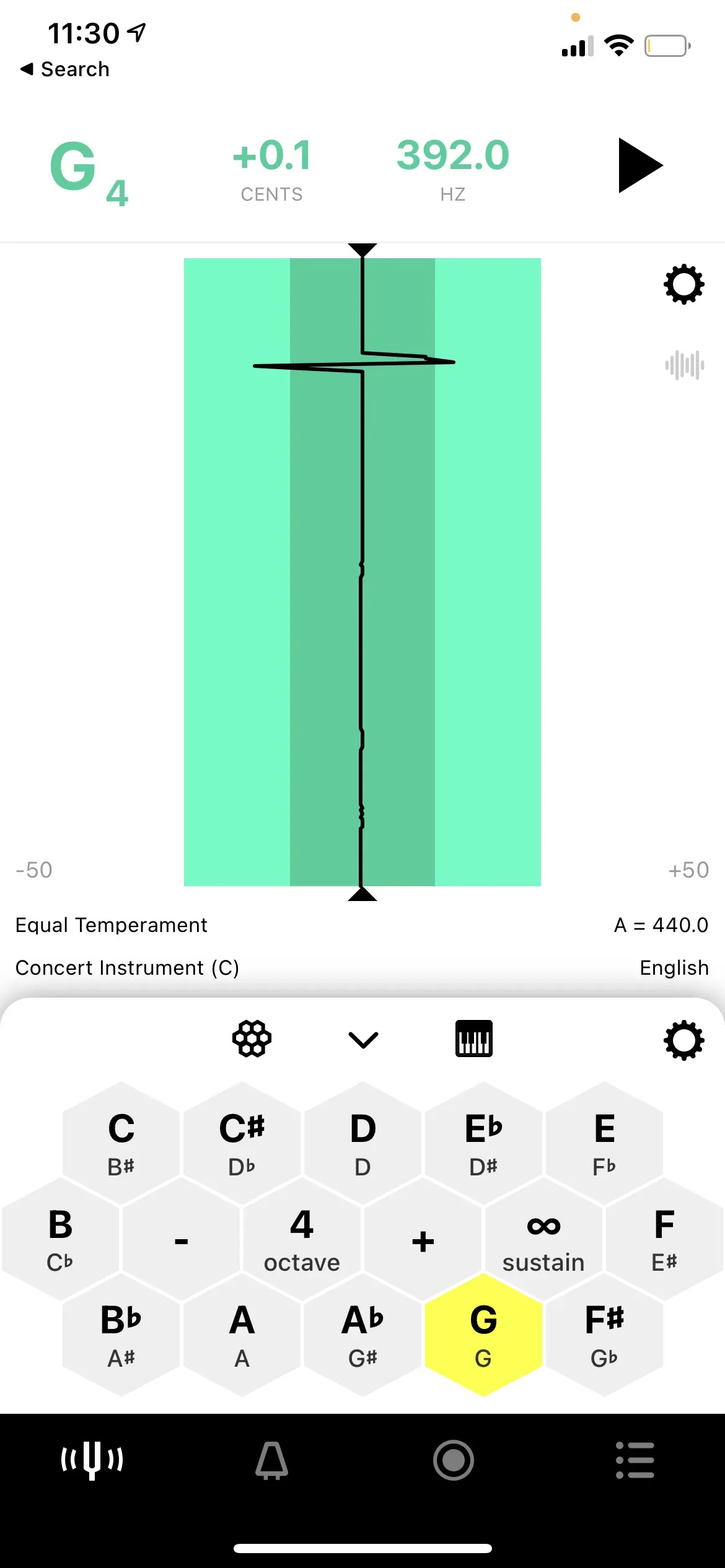
Section titled “How do I play a tone/drone?”- On the Tuner tab, open the Tone Generator (if closed) by selecting the Honeycomb or Piano icons.
- Once the Tone Generator is open, select a note on the tone generator to play it.
How do I sustain a note on the Tone Generator?
Section titled “How do I sustain a note on the Tone Generator?”On the Tone Generator, select the Sustain button (∞ icon). Selecting a note while the sustain button is enabled will hold out the note(s) selected.
If you have a question regarding the Tone Generator that isn’t answered above, please contact us and we will be happy to help.